Features

Minion Jobs

Four jobs your minion takes off your hands, on every plan.

✓Gig Tracker
✓Song Library
✓Setlist Builder
✓Lyrics

Also on every plan

  • ✓Chart Builder: paste the chords, get a chart
  • ✓Stage Mode: full-screen lyrics on stage
  • ✓Website gig list: keeps itself up to date

Need more? See the add-ons ↓

GigMinion mascot playing electric guitar at a mic stand with a tablet

Gig Tracker

Every gig, from the first call to load-out.

  • ✓Potential, confirmed and completed shows
  • ✓Venue, load-in, sound check, pay and who’s confirmed
  • ✓Bandmates pass you gig leads
  • ✓One tap copies the gig for your group text or website

Song Library

Every song the band plays, in one place.

  • ✓Keys, notes and the one version everybody should learn
  • ✓Songs move from the Woodshed to Rehearsal to the Main Stage
  • ✓Bandmates suggest songs for the list
  • ✓Stage Mode puts the song full screen when you play

Setlist Builder

Build a set in minutes.

  • ✓Pull songs straight from your Song Library
  • ✓Reorder and save every setlist
  • ✓Mark the official set for each gig, so nobody brings the wrong list
  • ✓Send a Setlist PDF or a big-type Stage PDF
GigMinion mascot holding a lyric sheet

Lyrics

The words, ready for the stage.

  • ✓Type or paste the words for every song
  • ✓Chords over the words, right where they change
  • ✓Big, full-screen lyrics in Stage Mode
  • ✓The whole band reads the same version

How it works: add your songs, build your sets, attach them to the gig.

Add-ons

Chart Builder comes with every plan. Add the others when your band needs them.

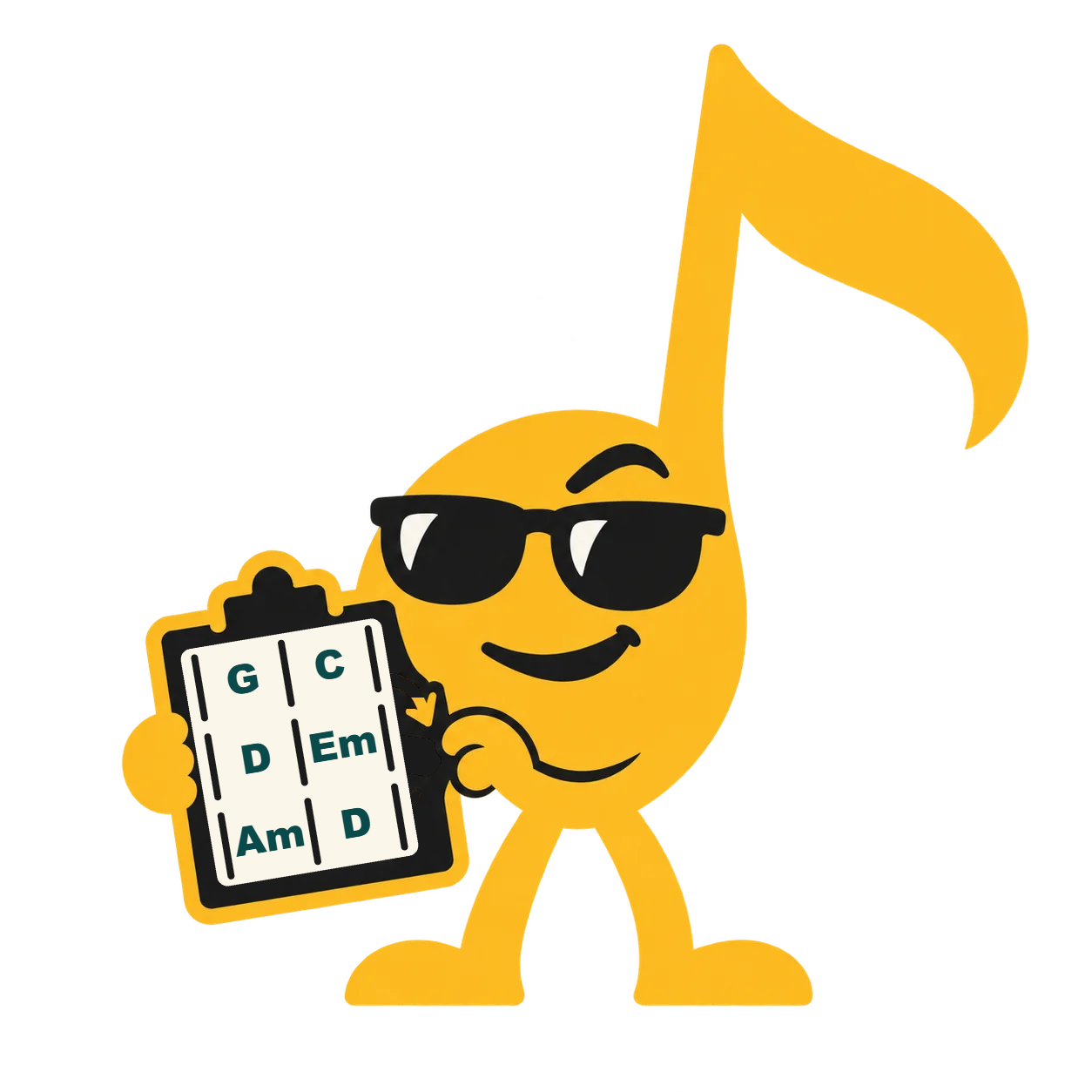
GigMinion minion holding a chord chart on a clipboard

Chart Builder

Paste the chords. Get a chart.

  1. Paste tabs or lyrics with chords into the Lyrics section, and Chart Builder can make the chart for you
  2. Build it with “Make chart from lyrics.” It finds the verses, choruses and chords
  3. Fix any bar: tap a chord, then a beat

On stage, pick your view:

LyricsBothChart

Words only, chords over the words, or the bar-by-bar chart.

Good to know:Odd bars welcome, like one 3/4 bar in a 4/4 song.One chart for everyone, on the song page and in Stage Mode.Included in every plan. Nothing extra to buy.
GigMinion minion with a clipboard beside a map pin (Venue Finder)

Venue Finder

Venues that book live bands, ranked by GigMinion.

  • GigMinion venue ranking:
    • ★ Minion Approved a GigMinion band played here in the last 6 months
    • ✓ Verified recent proof it books live bands
    • Unverified found on music listings, not checked yet
  • Enter your ZIP code, pick from the list
  • New metro areas added regularly
Open now: Treasure Valley (Boise), ID · Southern California, CAComing next: metropolitan areas for CA · OR · WA · NV · AZ · UT · CO · NMYour area? Enter your ZIP code to request it, any U.S. state.
Three GigMinion minions standing together (extra band members)

Add Members & Crew

Room for the whole band, and the people behind it.

  • ✓Band plans include 5 member seats, you included
  • ✓Need more? Add a seat any time
  • ✓Fill-ins and Crew are always free and never use a seat
Who sees what:Core Members see the gigs, songs and setlists, build their own setlists and suggest songs and gig leads. They see their own pay, never anyone else’s.Fill-ins see only the gigs they’re booked on, with that gig’s official setlist, and confirm their spot.Crew see the gigs they work: load-in, times and their own pay.Booking contacts and rates stay with the Bandleader and Right Hand.

The Bandleader pays. The whole band joins free. See plans and add-on prices

Your client list stays yours

If you book the work, the contacts are yours. The Gig Tracker keeps venue and client details — who books, what they pay, what they asked for last time — on your side of the wall.

The band sees what it needs to play the gig: date, venue, load-in, set times and their pay. Not your client’s phone number, not the booking email, not the rate you negotiated. Bring in a fill-in for one Saturday and they leave with the gig, not your client list.